Ubuntu print to pdf; install a PDF printer
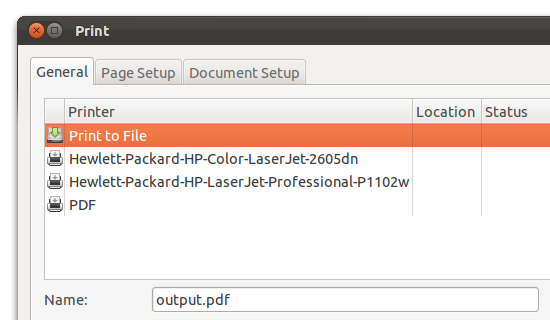
To install a pdf printer in Ubuntu, simply do the following:
-
Install printer:
sudo apt-get install cups-pdf - Print something and make sure to select PDF as the printer.
- Your printed pdfs will be now be available in
~/PDFfor example:/home/user/PDF/printed.pdf
3 comments
Or, when printing, select the "Print to File" printer and change the Output format from Postscript to PDF.
The "Print to File" option doesn't work in non-gtk apps, then is when cups-pdf is usefull (from wine, java...)
great thanks :)
Leave a Reply